How to Secure an MCP Server in Production: OAuth 2.1 & Hardening Guide (2026)
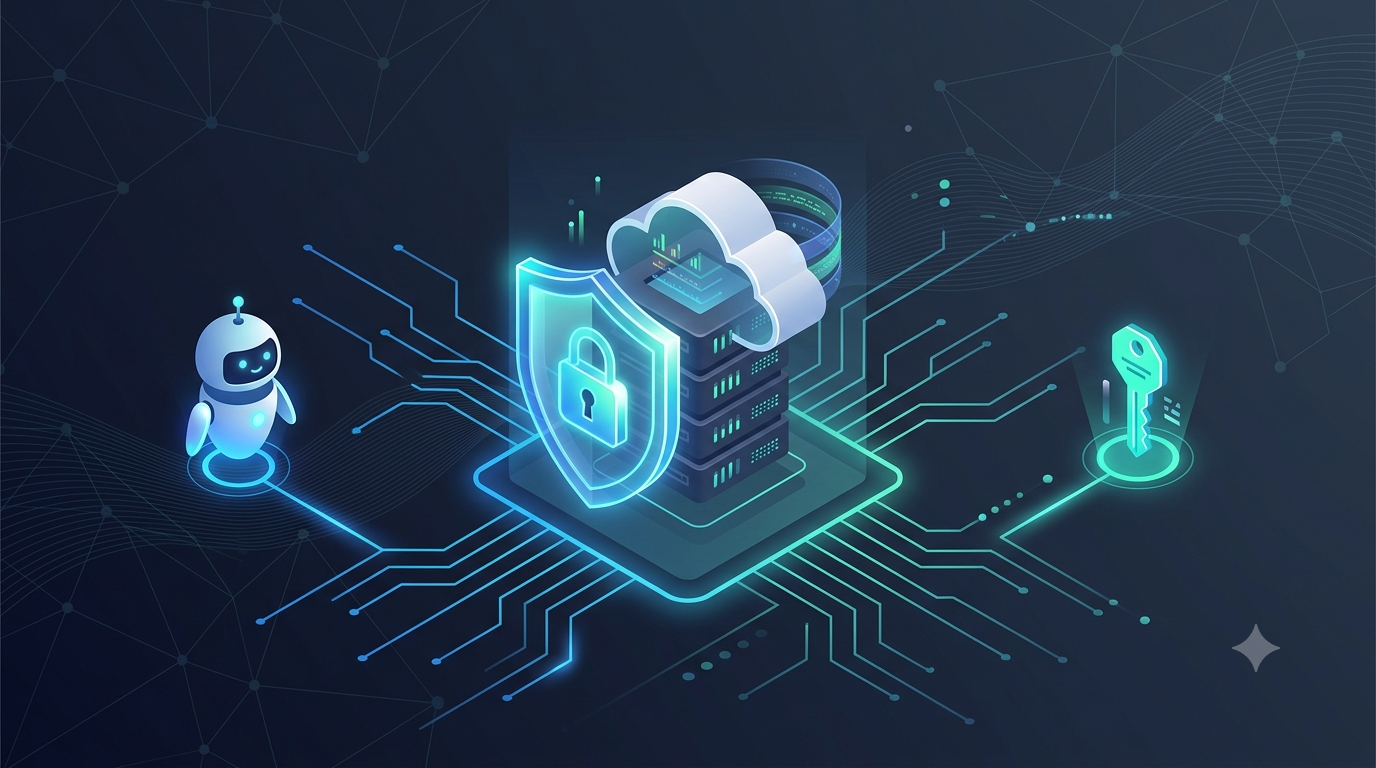
If you've shipped a Model Context Protocol (MCP) server in the last year, there's a good chance it started life as a weekend project: a handful of tools wired up over stdio, tested locally against Claude Desktop or Cursor, and pushed to a server somewhere once it worked. That's normal. It's also how a huge number of MCP servers currently running in the wild ended up completely unauthenticated.
Security researchers scanning public MCP deployments have repeatedly found the same pattern: servers exposing their full tool listings to anyone who finds the URL, bound to 0.0.0.0 with no network restriction, and in some cases configured in ways that allow arbitrary code execution. None of this is theoretical — it's the default state of an MCP server that was never explicitly secured.
This guide walks through what actually needs to happen between "it works on my machine" and "it's safe to hand a credentialed AI agent the ability to call it hundreds of times a second in production." We'll cover:
- Why MCP servers need a different security model than a typical REST API
- Implementing OAuth 2.1 authentication and authorization from scratch
- Hardening the deployment — containers, secrets, network, rate limiting
- A production-readiness checklist you can run before every release
Everything here is vendor-neutral. No gateway product to buy, no demo to book — just the protocol, the code, and the configuration.
Why MCP Servers Are a Different Security Problem
It's tempting to treat an MCP server like any other API and slap an API key on it. That gets you partway there, but it misses the core issue: an MCP server usually needs to act on behalf of a specific user, not just a trusted application.
Think about what an API key actually proves. It tells your server which application is calling — "this is the VS Code extension" or "this is the internal dashboard." It says nothing about which person is sitting behind that application, or what that person is allowed to do. For a traditional API that only ever touches shared, non-sensitive data, that's often fine.
An MCP server is rarely in that position. It's exposing tools that read a user's calendar, query their database, post to their Slack, or trigger a deployment — actions that need to be scoped to a specific identity, not just a trusted client. That's a delegation problem, and delegation is exactly what OAuth was built to solve.
There's a second wrinkle unique to MCP: the client calling your server is an AI agent, not a human clicking buttons. Agents chain tool calls, retry automatically, and can be manipulated by malicious content inside the data they process (prompt injection). That changes the threat model in two ways:
- Authorization has to be enforced per-tool-call, not just per-session. An agent that's authenticated doesn't mean every tool call it makes is something the user actually intended.
- The blast radius of a compromised or tricked agent needs to be contained at the infrastructure level, not just the application level — because you can't fully guarantee the model won't be steered into calling a tool it shouldn't.
With that framing, let's build the actual authentication layer.
Part 1: Implementing OAuth 2.1 for Your MCP Server
MCP's authorization spec is built on a subset of OAuth 2.1, with a few MCP-specific additions: resource metadata discovery and resource indicators, so a client knows exactly which authorization server to talk to and which token to request for a given MCP server.
The Authentication Flow
At a high level, the flow looks like this:
1. MCP client attempts to call a tool without a token
2. Server responds 401, with a WWW-Authenticate header pointing to
   its protected resource metadata endpoint
3. Client fetches /.well-known/oauth-protected-resource
   -> discovers which authorization server issues valid tokens
4. Client redirects the user to the authorization server to log in
   and approve access
5. Authorization server returns an authorization code to the client
6. Client exchanges the code for an access token (PKCE-protected)
7. Client retries the original tool call with
   Authorization: Bearer <token>
8. MCP server validates the token and proceeds
The important detail: your MCP server does not need to implement its own login screen. It delegates authentication to an existing identity provider — GitHub, Google, Auth0, Okta, or your own internal IdP — and its only job is to validate incoming tokens and enforce scopes.
Minimal Working Implementation (Node.js / TypeScript)
Below is a stripped-down but functionally complete example using a third-party OAuth provider. It uses the resource-server pattern: your MCP server validates tokens issued elsewhere rather than issuing its own.
typescript
import express from "express";
import { auth } from "express-oauth2-jwt-bearer";

const app = express();

// Validates incoming Bearer tokens against your OAuth provider's
// public keys. No secrets stored in your MCP server itself.
const checkAuth = auth({
  audience: "https://your-mcp-server.example.com",
  issuerBaseURL: "https://your-tenant.auth-provider.com",
  tokenSigningAlg: "RS256",
});

// Protected resource metadata — this is what lets MCP clients
// discover how to authenticate against your server automatically.
app.get("/.well-known/oauth-protected-resource", (req, res) => {
  res.json({
    resource: "https://your-mcp-server.example.com",
    authorization_servers: ["https://your-tenant.auth-provider.com"],
    bearer_methods_supported: ["header"],
  });
});

app.use("/mcp", checkAuth, (req, res, next) => {
  // req.auth now contains the verified token claims (sub, scope, etc.)
  const scopes = req.auth?.payload?.scope?.split(" ") ?? [];

  if (!scopes.includes("mcp:tools:invoke")) {
    return res.status(403).json({ error: "insufficient_scope" });
  }

  next();
});

app.post("/mcp/tools/call", (req, res) => {
  const userId = req.auth?.payload?.sub;
  // Execute the tool scoped to `userId`, never to a shared
  // service-level identity.
  res.json({ result: `Tool executed for user ${userId}` });
});

app.listen(3000);
A few things worth calling out in this snippet:
- Token validation is signature-based, against the provider's public keys — your server never needs to store or see the user's actual credentials.
- Scopes are checked per route, not just at login. A token valid for read-only tools shouldn't be accepted on a tool that writes data.
- The
subclaim (subject) is used to scope every action to a specific user, not a generic service account — this is what gives you per-user audit trails downstream.
Choosing an Auth Pattern
Not every MCP server needs full user-delegated OAuth. Here's how to decide:
| PatternWhen to use itDownside | ||
| Static API key | Internal tooling, single trusted client, no per-user data | No user attribution, hard to rotate, high blast radius if leaked |
| Service-account token | Server acts on behalf of your own backend, not individual end users | Still no per-user audit trail |
| OAuth 2.1 (delegated) | Server accesses user-specific data or takes actions on a user's behalf | More setup complexity, requires an identity provider |
| On-behalf-of delegation | Server must attribute actions to the human user in a downstream system's own audit log (e.g., Slack, Google Workspace) | Requires token exchange support from the downstream API |
For anything touching real user data or production systems, OAuth 2.1 delegated auth is the only pattern that gives you both security and accountability. Static API keys should be treated as a stopgap for local development, not a production posture.
Part 2: Hardening the Deployment
Authentication answers "who is calling this server." Hardening answers the harder question: "what can an attacker do once authentication has already been bypassed, tricked, or compromised?" A hardened deployment assumes that failure will happen somewhere and limits what it can reach.
1. Container Isolation
Run every MCP server in its own container with a minimal base image and no unnecessary host access.
dockerfile
FROM node:22-alpine

# Never run as root
RUN addgroup -S mcpuser && adduser -S mcpuser -G mcpuser
USER mcpuser

WORKDIR /app
COPY --chown=mcpuser:mcpuser . .
RUN npm ci --omit=dev

# No shell access needed at runtime
ENTRYPOINT ["node", "server.js"]
Pair this with runtime restrictions:
- No access to the host filesystem beyond what the tool explicitly needs
- No outbound network access except to declared dependencies (enforce with network policies, not documentation)
- Read-only root filesystem where possible
- Resource limits (CPU/memory) to prevent a single misbehaving agent loop from taking down the host
If a server is compromised, isolation limits the damage to that one container instead of your entire environment.
2. Secrets Management
- Never bake credentials into the image or commit them to the repo — this includes
.envfiles with real values - Use a secrets manager (Vault, AWS Secrets Manager, or your cloud provider's equivalent) and inject secrets at runtime
- Rotate any long-lived tokens on a schedule, and immediately on suspected exposure
- Scope secrets to the minimum required — a server that only needs to read shouldn't hold write-capable credentials
3. Input & Schema Validation
MCP tool inputs come from a model, not a human filling out a form — which means they can be malformed, adversarially crafted, or the result of a successful prompt injection upstream. Validate every tool input against a strict schema (JSON Schema with required, enum, and length constraints) before it touches any downstream system. Loose schemas don't just cause bugs — they widen the attack surface for tool poisoning and injection attacks.
4. Rate Limiting & Anomaly Detection
Agents can call tools far faster and more repetitively than a human ever would. Apply rate limits per user/token, and log enough detail (which tool, which identity, which arguments — not full payloads with sensitive data) to detect abuse patterns after the fact. A sudden spike in calls to a destructive tool from a single identity is exactly the kind of signal you want an alert on, not a log line nobody reads.
5. Version Pinning & Supply Chain Integrity
Treat your MCP server configuration the way you'd treat a dependency lockfile. Pin exact versions of the server image in your agent/client configuration, and monitor for unexpected changes to tool descriptions between deployments — a tool that silently changes what it claims to do between versions is a known attack pattern in agentic systems, sometimes called a "rug pull." Automated alerts on tool-description drift catch this before it reaches production traffic.
Production Readiness Checklist
Before promoting an MCP server from staging to production, confirm every item below. Treat any unchecked box as a release blocker, not a "fix it later."
| #CheckWhy it matters | ||
| 1 | Server requires authentication on every route, with no anonymous fallback | Closes the single most common real-world exposure |
| 2 | OAuth 2.1 delegated auth in place for any user-scoped data or action | Enables per-user attribution and revocation |
| 3 | Scopes enforced per tool, not just per session | Prevents privilege creep across tool calls |
| 4 | Server runs as a non-root user inside an isolated container | Limits blast radius of a compromise |
| 5 | No secrets in image layers or repo history | Prevents credential leakage via image scanning |
| 6 | All tool inputs validated against strict JSON Schema | Blocks malformed and adversarial inputs |
| 7 | Rate limiting applied per identity | Slows automated abuse and runaway agent loops |
| 8 | Audit logging captures identity, tool, and timestamp for every call | Enables incident investigation after the fact |
| 9 | Server and tool versions pinned in client/agent configuration | Prevents silent tool-description drift |
| 10 | TLS enforced end-to-end, no plaintext transport | Protects tokens and payloads in transit |
Wire item 10 (and ideally 1–9) into a CI/CD gate that blocks deployment automatically if any check fails — a checklist that lives only in a wiki page gets skipped the first time there's deadline pressure.
Common Mistakes to Avoid
- Treating stdio-only local servers the same as remote ones. A server that only ever runs locally over stdio for a single trusted user has a genuinely different risk profile than one exposed over HTTP. Don't over-engineer the former, and don't under-engineer the latter.
- Reusing one service-account token for every user. This collapses your audit trail and means a single leaked token exposes every user's access, not one.
- Skipping resource metadata discovery. Without it, clients can't reliably find the correct authorization server, which pushes teams toward hardcoding assumptions that break the moment the auth provider changes.
- Assuming the model won't misuse a tool it's authorized to call. Authorization tells you the agent is allowed to call a tool — it doesn't guarantee the call was something the user actually wanted. That's what input validation, scoping, and audit logging are for.
Where to Go From Here
Once authentication and hardening are in place, the next layer is observability: tracing individual tool calls across a multi-agent chain so you can reconstruct exactly what happened when something goes wrong. That's a deep enough topic to deserve its own guide — for now, the checklist above is enough to take a server from "works on my machine" to something you can defend in a security review.
If you're building your first MCP server from scratch before securing it, start with the fundamentals of the protocol itself, then come back and apply this guide before anything touches production traffic.
Ad Space
Related Modules
Preventing AI Bot Spam in GitHub Repositories (2026)
Learn how to prevent AI bot spam in GitHub repositories with our step-by-step guide and protect your project's integrity
WebAssembly Tutorial for Beginners (2026)
Learn how to build high-performance web applications with WebAssembly, a binary instruction format that allows you to compile code from languages like C, C++, a
Implementing Continuous Integration with Jenkins: Streamlining Software Delivery with CI/CD
Learn how to set up and optimize Jenkins for Implementing Continuous Integration with Jenkins and Continuous Deployment, with expert tips and best practices for secure and efficient software delivery using Jenkins CI/CD pipeline